Baker City

Baker City

Baker City

iPhone New iOS 14 Update Causes Issues For Hearing Aid Users

iPhone New iOS 14 Update Causes Issues For Hearing Aid Users

|

Erika Shakespeare

|
Thursday, November 3, 2022

Nov 3, 2022

November 3, 2022

|

4 Min read

If you have recently updated your iPhone to the latest iOS 15.4 software, then you might be experiencing issues with your hearing aids connection. With many of my patients relying on their hearing aids, I’ve received several phone calls from worried patients, concerned that they have broken their devices. Don’t worry, your hearing aids are not broken, and there is one simple way to fix them.

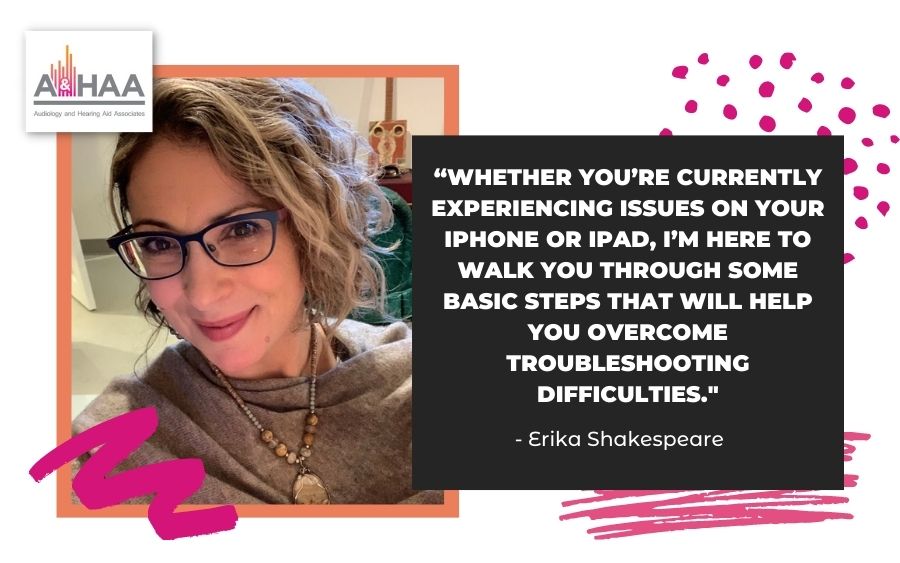
Whether you’re currently experiencing issues on your iPhone or iPad, I’m here to walk you through some basic steps that will help you overcome troubleshooting difficulties.

Why Is The iOS 15.4 Update Causing Issues?

After Apple issued an update to their software, some users that rely on Bluetooth-enabled hearing aids lost their connectivity and experienced problems pairing their devices to their apps.

It is thought to have resulted in a black screen that prompts the user to pair the hearing aids again.

Since the cause of the issue is due to internal Apple software, the following steps should help to reconnect your devices.

  1. Head to your iOS settings to unpair your hearing aids. It’s advised to have your hearing aid app running in the background while you complete this.

  2. Stay in your iOS settings and re-pair your hearing aids to your Apple device while your hearing aid app stays open in the background.

  3. Open your hearing aid app and complete the pairing flow instructions.

If you have currently not yet updated your iPhone and are concerned about it causing disruption, we suggest hearing aid users continue to update their iOS to 15.4.1.

This update will ensure a seamless patient experience, such as quicker reactions and a better app experience.

Similarly, Keystone Audiology posted this helpful video demonstrating how to overcome these issues with troubleshooting.

If you are still experiencing issues with pairing your hearing devices, please get in touch with us at (541) 612-7555 and we will be happy to offer some guidance.

Search

Search

Search

Search

Search

Request a Callback

Request a Callback

Whether you have a question, concern or, you’re ready to schedule your hearing assessment, our team is on hand to help.

Simply fill in the form on this page or, you can call us at the number below.

Whatever your needs or concerns, we look forward to welcoming you!

Monday - Friday: 8 am – 5 pm
Weekend: Closed

Monday - Thursday: 9 am – 4 pm
Weekend: Closed

La Grande

Winding hiking trail through grassy mountainside with trees.

Baker City

Winding hiking trail through grassy mountainside with trees.

Request a Callback

Whether you have a question, concern or, you’re ready to schedule your hearing assessment, our team is on hand to help.

Simply fill in the form on this page or, you can call us at the number below.

Whatever your needs or concerns, we look forward to welcoming you!

Monday - Friday: 8 am – 5 pm
Weekend: Closed

Monday - Thursday: 9 am – 4 pm
Weekend: Closed

La Grande

Winding hiking trail through grassy mountainside with trees.

Baker City

Winding hiking trail through grassy mountainside with trees.

Request a Callback

Whether you have a question, concern or, you’re ready to schedule your hearing assessment, our team is on hand to help.

Simply fill in the form on this page or, you can call us at the number below.

Whatever your needs or concerns, we look forward to welcoming you!

Monday - Friday: 8 am – 5 pm
Weekend: Closed

Monday - Thursday: 9 am – 4 pm
Weekend: Closed

La Grande

Winding hiking trail through grassy mountainside with trees.

Baker City

Winding hiking trail through grassy mountainside with trees.
Call Now